 Chain Alpha Trends
 Cyberattacks: 8 Stunning Ways to Prevent the Worst
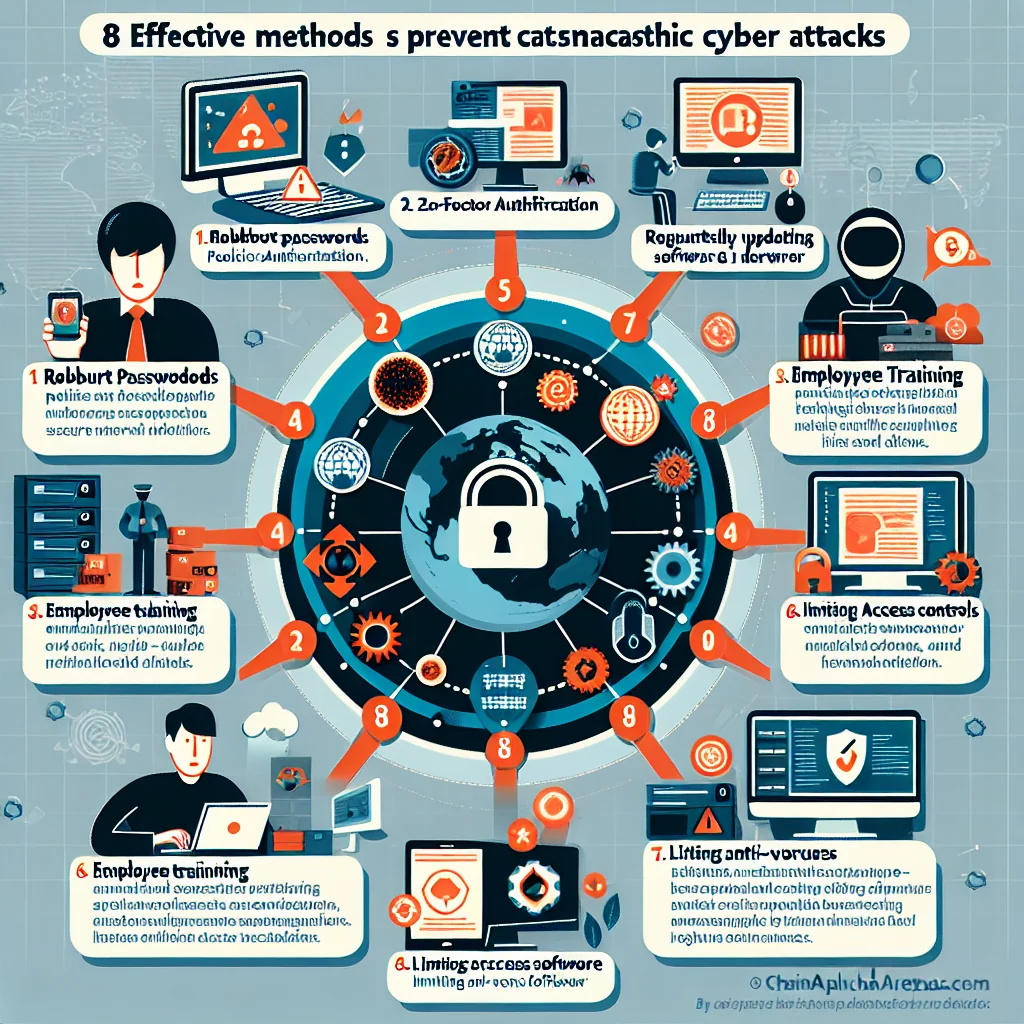
The eight strategies below block most common attacks and limit the damage when something slips through. They work for individuals, small teams, and large organizations that want a clear, practical security baseline.
Overview: The 8 Key Ways to Prevent Cyberattacks
Before looking at each measure in detail, it helps to see the full picture. These core steps cover people, devices, networks, and data, and they support each other like layers in a shield.
- Use strong authentication and manage passwords wisely
- Keep software, apps, and devices updated
- Train people to spot phishing and social engineering
- Back up data and test recovery often
- Secure networks with firewalls, VPNs, and safe Wi‑Fi habits
- Limit access with the principle of least privilege
- Monitor activity and respond quickly to alerts
- Plan for incidents and rehearse your response
No single step blocks every attack, but together they close the most used doors, detect intruders early, and help you recover fast if someone breaks through.
1. Use Strong Authentication and Manage Passwords Wisely
Attackers love weak or reused passwords. They buy stolen password lists, test the same login on many sites, and force their way in with automated tools. Strong authentication cuts their success rate sharply.
Start with unique, long passwords for every account. A password manager can generate and store them, so you do not rely on memory or sticky notes on a monitor. Then add an extra lock on key accounts using multi‑factor authentication (MFA).
- Use a password manager to avoid reuse
- Enable MFA on email, banking, and admin accounts first
- Avoid SMS codes if possible; use an authenticator app or security key
Think of MFA as a second door with a different key. Even if someone steals your password in a data breach, they still need your phone, hardware key, or app code to break in.
2. Keep Software, Apps, and Devices Updated
Many cyberattacks exploit known flaws that already have fixes. Ransomware gangs scan the internet for old versions of systems, then break in through those weak points. Timely updates shut those windows.
Enable automatic updates wherever you can: operating systems, browsers, office tools, phones, and network gear. For servers and business‑critical systems, create a schedule to test and apply patches quickly without breaking services.
A small office server that skips updates for six months becomes a soft target. In contrast, a system patched within days of a security release is far harder to exploit with off‑the‑shelf attack kits.
3. Train People to Spot Phishing and Social Engineering
Many breaches start with a simple trick: an email that looks like a delivery notice, a fake login page, or a phone call from “IT support” asking for a code. Technology helps, but people still stand on the front line.
Security awareness training should be short, frequent, and practical. Use real examples of phishing emails, show how to check sender addresses, links, and domains, and explain what to do if something looks strange.
A clear rule helps: never give passwords or MFA codes to anyone, even if they claim to be from support. A staff member who pauses for ten seconds before clicking can block an attack that malware filters miss.
4. Back Up Data and Test Recovery Often
Ransomware, hardware failure, and human error all share one painful effect: lost data. Backups turn a disaster into a setback, but only if they are recent, secure, and usable under pressure.
Follow a simple structure such as the “3‑2‑1” rule: three copies of data, on two different types of storage, with one copy stored offsite or in the cloud. Protect backups from direct access by normal user accounts so ransomware cannot encrypt them.
Regular tests matter as much as backups themselves. Try restoring a file and a whole system from time to time. During a real incident, a team that has practiced recovery moves calmly and restores services faster, while an untested backup often reveals gaps at the worst possible moment.
5. Secure Networks with Firewalls, VPNs, and Safe Wi‑Fi Habits
Every device that connects to the internet exposes potential entry points. Basic network hygiene makes it harder for attackers to scan, probe, and pivot inside your environment.
Use firewalls to block unwanted inbound traffic and limit outbound connections from sensitive systems. Provide remote staff with a virtual private network (VPN) so their traffic travels through an encrypted tunnel rather than open public Wi‑Fi.
Common Attack Types and Matching Defenses
Different attack methods target different gaps. The table below links common cyberattacks with simple, high‑impact defenses so teams can prioritize effort.
| Attack Type | Main Goal | Key Prevention Steps |
|---|---|---|
| Phishing email | Steal logins or plant malware | Security awareness training, email filtering, MFA |
| Ransomware | Encrypt data for payment | Patch management, backups, limited access rights |
| Brute‑force login | Guess passwords | Strong passwords, MFA, account lockout policies |
| Man‑in‑the‑middle on public Wi‑Fi | Intercept traffic | VPN, HTTPS‑only rules, avoiding open Wi‑Fi for sensitive tasks |
| Insider misuse | Abuse valid access | Least privilege, monitoring, clear policies |
Mapping threats to defenses in this way helps decision‑makers see where one change, such as MFA or backups, reduces risk across several attack types at once.
6. Limit Access with the Principle of Least Privilege
Attackers aim to jump from one account or device to many. Wide access rights make that jump easy. Strict access limits turn each account into a small compartment instead of a master key.
The principle of least privilege means each user, app, and service gets only the access it needs, nothing more. Admin accounts stay separate from daily work accounts. Old accounts are removed quickly when staff change roles or leave.
In a real breach, least privilege can be the difference between a single compromised workstation and a full network shutdown. Malware that lands on a low‑rights account struggles to touch critical servers or finance systems.
7. Monitor Activity and Respond Quickly to Alerts
Even strong walls face pressure. Continuous monitoring helps spot strange behavior early, such as logins from unusual locations, large data transfers at odd hours, or repeated failed login attempts.
Central logging and alerting tools collect events from endpoints, servers, and network devices. Security teams can then review patterns and respond before small signals grow into a major breach.
Swift action matters. Blocking an account within minutes of a suspicious login, or isolating an infected laptop from the network, can stop an attacker before data leaves the building or ransomware spreads sideways.
8. Plan for Incidents and Rehearse Your Response
No defense is perfect, and attackers keep searching for fresh gaps. An incident response plan prepares you for that day, so decisions follow a clear script instead of panic and guesswork.
A good plan covers four stages in simple steps:
- Identify: How to detect and confirm a security incident
- Contain: How to limit spread and protect key systems
- Eradicate and Recover: How to remove the threat and restore services
- Review: How to learn from the event and fix root causes
Rehearse with tabletop exercises at least once a year. Walk through a scenario such as “ransomware hits the file server on Monday morning” and ask each role what they would do. This kind of practice reveals missing phone numbers, unclear ownership, or weak communication flows before a real attack exposes them.
Bringing It All Together: Build Layers, Not Illusions
Strong cybersecurity does not rely on a single gadget or expensive tool. It grows from a set of simple, consistent habits that reduce risk piece by piece. Strong passwords and MFA keep accounts safe, patches close known holes, training defuses phishing, and backups soften the blow of mistakes or attacks.
Network controls, least‑privilege access, monitoring, and a rehearsed response plan add deeper layers. Together, they turn a soft target into a hardened one. Attackers tend to move on when they meet resistance, so each step you take makes you a less appealing choice than the next unprepared victim.